-
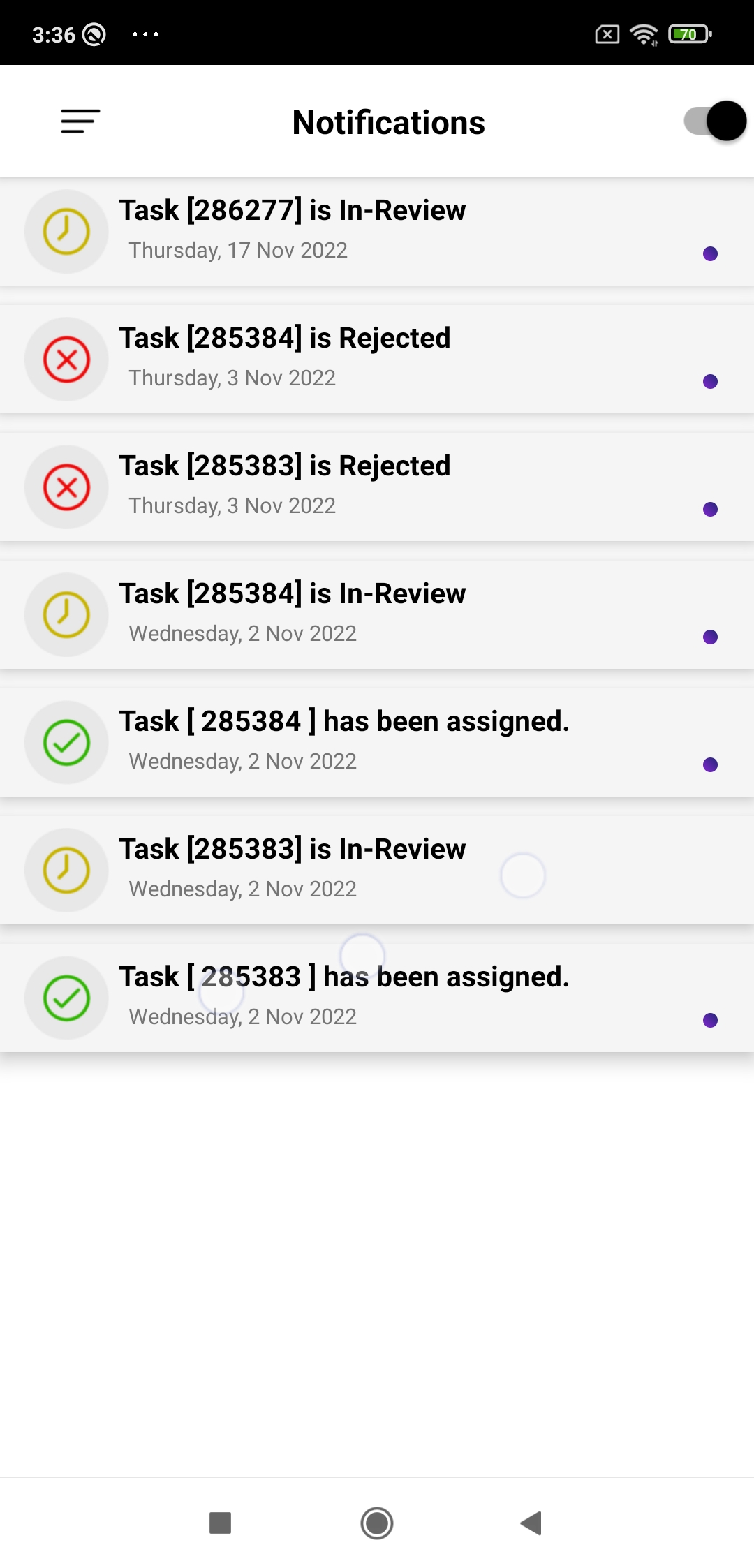
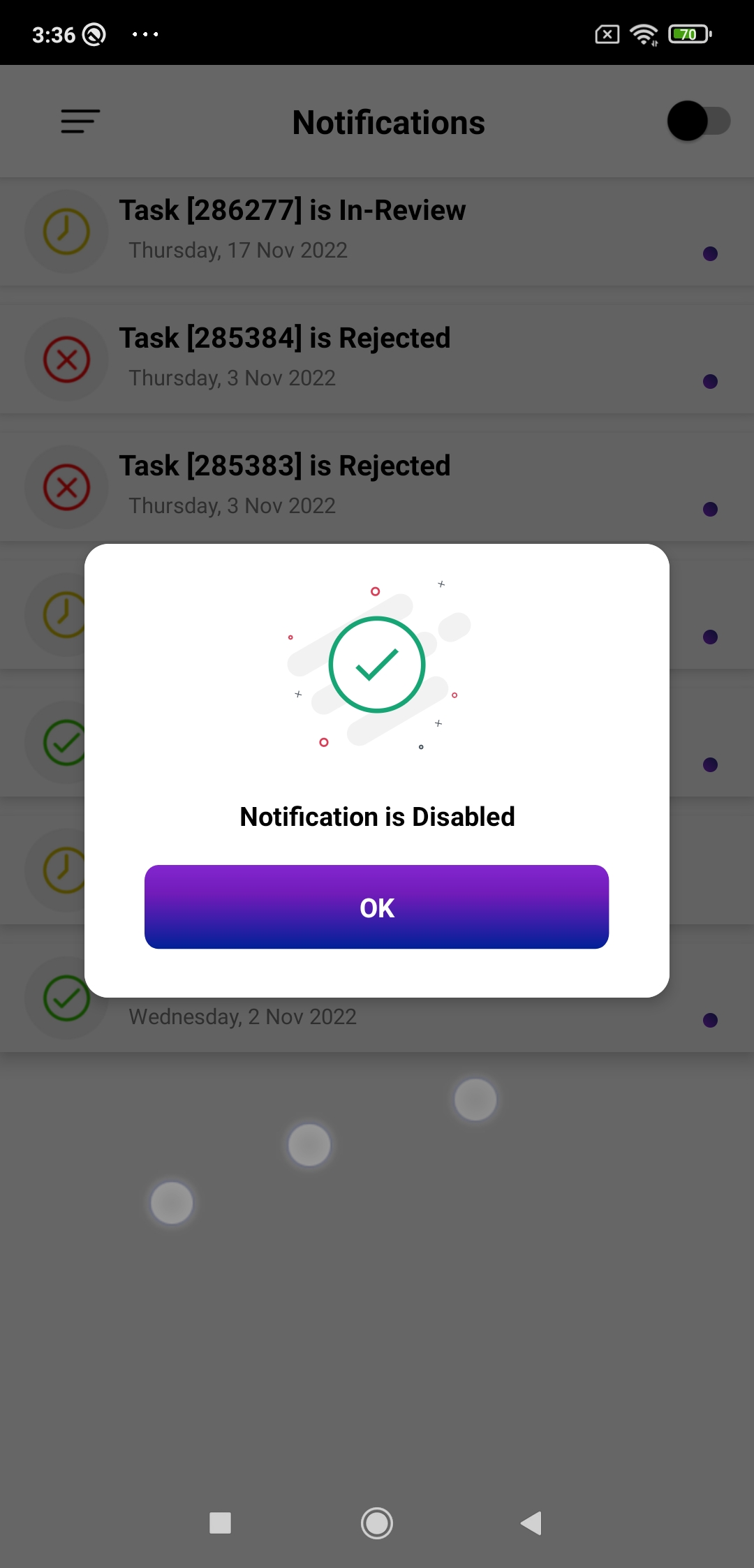
At top right side, it will displays you enable or disable notification icon
you can disable and enable your notifications by clicking – on/off buttons
-
It will display you your
→ Assigned Task
→ In-review Task
→ Rejected Task
→ Completed Task
We use cookies, check our Privacy Policies.

KingTasker is a trusted community platform that connects people looking to earn money while doing small and simple online tasks. We are an exclusive and vibrant business creation community connecting young talent to opportunities that put people to work and help to change lives.
Complete plenty of small tasks anytime, anywhere across your devices. Download the app for free and start earning money today.